
Right from the start, simplicity pays!
First, sign in to your HiPay account by entering your login and password on https://professional.hipay.com.
To recover your password, just click on  and enter your email address to receive instructions on how to reset it.
Please note: the new back office accepts alphanumeric characters for passwords.
 If you use alphanumeric characters in your password, you will not be able to connect through the former back office login page.
If your credentials are linked to several accounts, select an entity (that is, a solution or a product) to log in to the related interface.
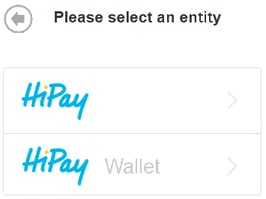
And voilà! You just logged in to your brand new HiPay Professional back office.
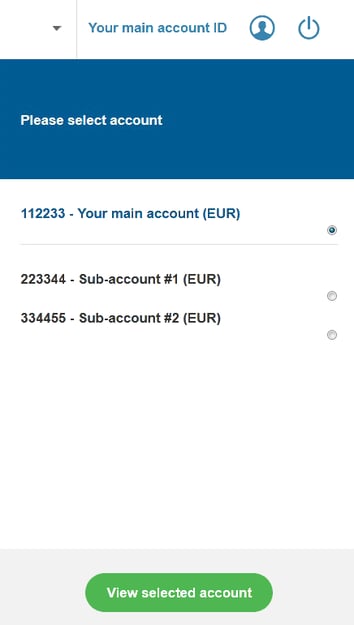
Now, all you need to do is select the account(s) for which you want to get information by clicking on  in the upper banner.
The multi-selection option is enabled within several sections: make sure to select the proper account(s).
For an interactive guided tour, we invite you to click on  .
.
To log out, just click on  at the top-right corner of your screen.
