
To enhance user experience, the HiPay Enterprise back office includes these two time-saving functionalities.
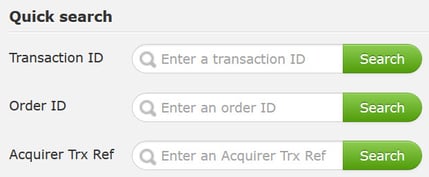
Quick search
Just enter the Transaction ID, Order ID or Acquirer Transaction reference number to find the information you are looking for.
Saved Custom Search
With this option, no need to re-enter criteria for your recurring searches: just click on “Save research criteria” (at the bottom right of your screen), then type a name (e.g.: Recurring search) and description, and click on “Save”.
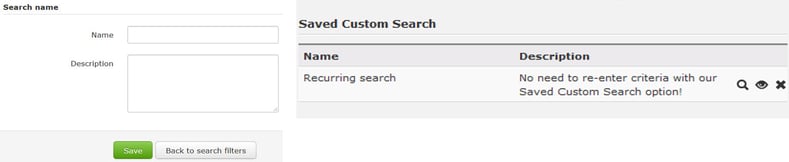
 Quick tip: Click on
  to quick-launch a search using your saved criteria, on
  to view
search criteria or on  to delete your Saved Custom Search.
