
This overview allows you to peruse through transactions filtered with your search criteria.
At the top of your screen, you can find a recap of all the selected filters.
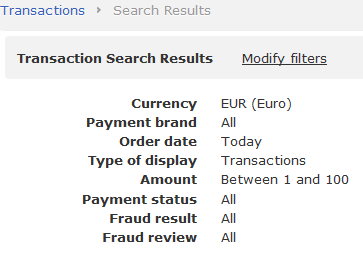
You can  , launch a
  or
or  (same as
  ).
).
Here is a typical Transaction display. By default, results are sorted in reverse chronological order.
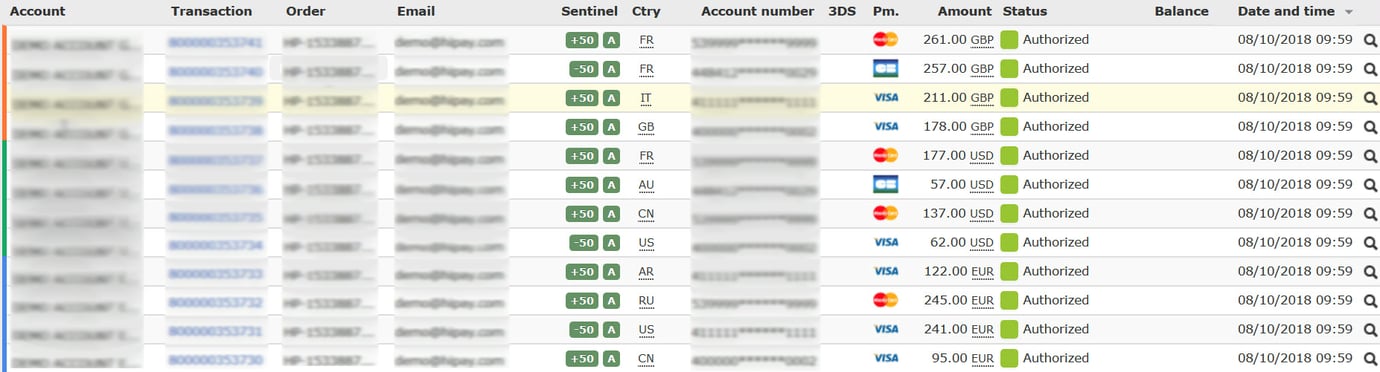
Your HiPay Enterprise back office gives you the possibility to view a simple listing

or an extended listing whenever the “Balance” column includes multiple operations (e.g.:  ).
).
For details, click on the small blue square (the number indicates the number of related operations).

To view transaction details (Transaction Preview), click on the blue “Transaction” reference number.
