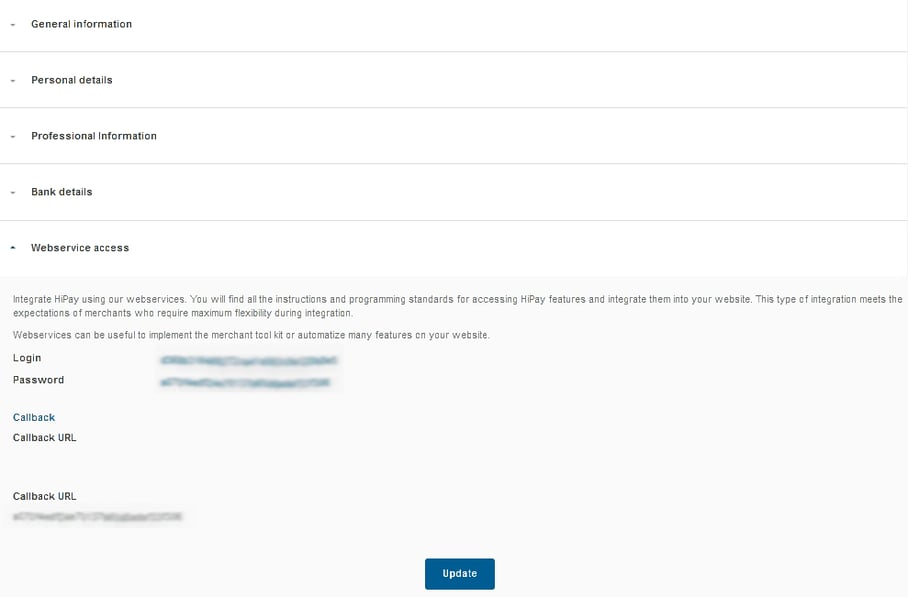
Go to Account → Information → General information and click on
  .
.
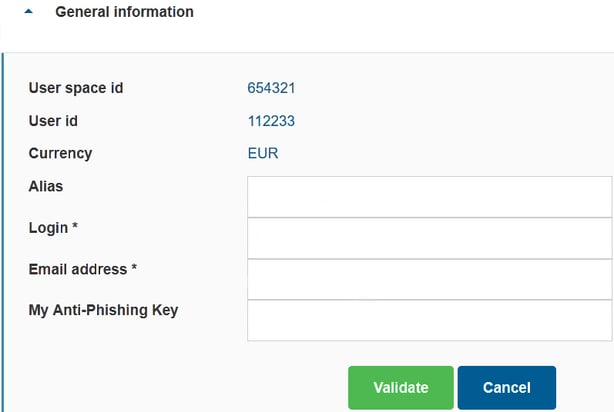
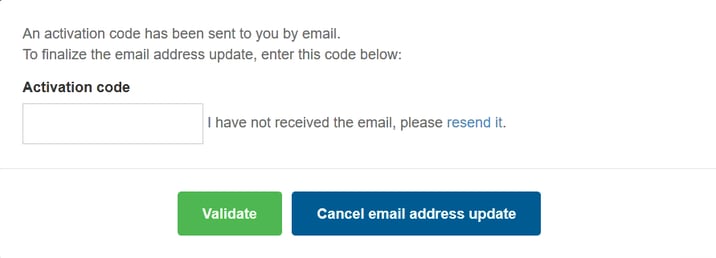
 If you change your email address, you must follow the validation process and enter in the pop-up window the activation code that was sent to you by email.
You can also  .
.
Your password must be at least 8 characters long.
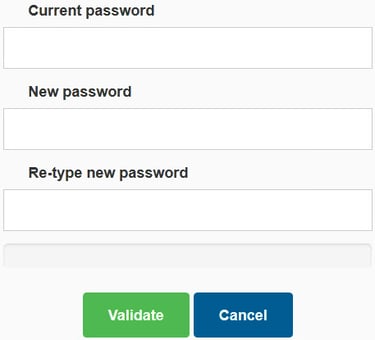
The Information section also enables you to complete or update your personal and bank details, as well as your webservice callback URL to receive server-to-server notifications. Click on  or
or  to unfold or close sections.
Please note:
- To edit your professional information, please contact us through our Support Center.
- You can also edit your bank details from your Account overview by clicking on
 .
.
When editing your bank account details, fields vary depending on the selected country.
Uploaded bank details must match with the banking information on the back office to be validated. Otherwise, they will be refused.
Any changes to your banking information will suspend withdrawals until the new information is validated by our services.