
 Go to Finances → Account statements to see the list of all operations on the selected account(s), by default for the current month.
To search for specific operations, click on  to add a filter (Amount / Capture date / Currency / Currency not in / Label / Status / Transaction ID / Transaction type / Website) or select a time period.
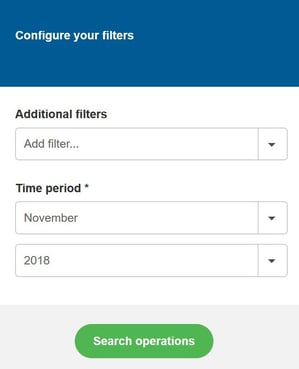
Once you have applied the search criteria of your choice, you can export your transaction search results to CSV or XML format by clicking on  .
.
Click on  at the top-right corner of your screen and select the account statement you want, then click on “Generate”.
Once your account statement has been generated, the  icon will be displayed: click on it to download it.
 Generated account statements are available for three months and must be re-generated after that timeframe.
