To make a total or partial refund of a transaction, you can use either our API or the HiPay Enterprise back office.
Please note:
- refunds can't be made if an operation chargeback was already asked from the customer for this transaction,
- refunds must be made within 11 months after capture for card transactions. Conditions may differ depending on payment methods.
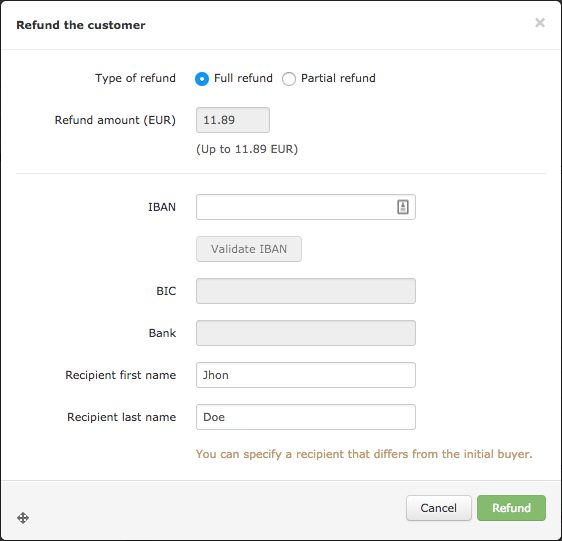
Refund by IBAN option must be activated, please contact your account manager if you are interested.
1. Refunding a transaction through our API
Service endpoints
There are two endpoints (base URLs) to which you can make your API calls:
- Stage, if you are testing your integration,
- and Production, when you have finished testing and want your application to go live.
Request parameters
To refund a transaction, you must send the following parameters in your API call.
Transaction statuses sent by server-to-server notification
To consider a refund made, it is mandatory to handle server-to-server notifications, specifically with the "status" field with the following values:
2. Refunding a transaction in our back office
In the HiPay Enterprise back office, search for the captured transaction you want to refund.
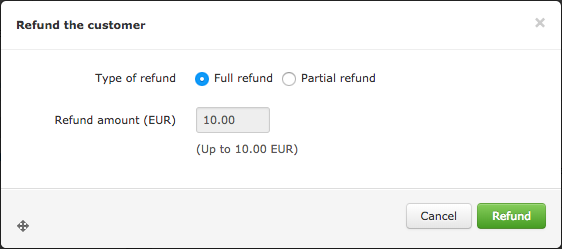
From the Transaction Preview, click on  , then choose if you want to make a full or partial refund (for partial refunds, specify the amount) and click on
  .
.
Classic refund
Refund by IBAN