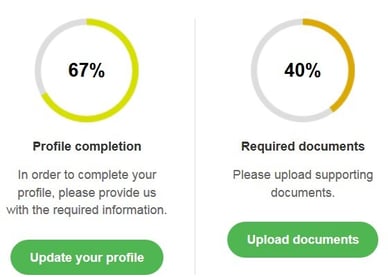
Go to Account → Overview.
The account overview is divided into two parts and gives you information about the account you are logged in to.
- The left panel recaps all your personal and professional information.
It also sums up your account and bank details.
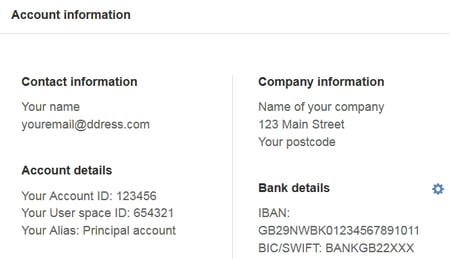
 Quick tip: your Account ID is key when contacting our services: keep it handy!
It also appears at the top-right corner of your screen, next to  , where you can select the account(s).
Please note: your user space includes your main account and all related sub-accounts.
To  , use the dedicated button at the top-right corner of your screen.
- The right panel is comprised of two percentage-based sections.
- One to check the percentage of your Profile completion:
to complete your information, click on  or go to Account → Information.
- One to check the percentage of required documents already provided to identify your user space:
to submit KYC documents, click on  or go to Account → Upload documents.